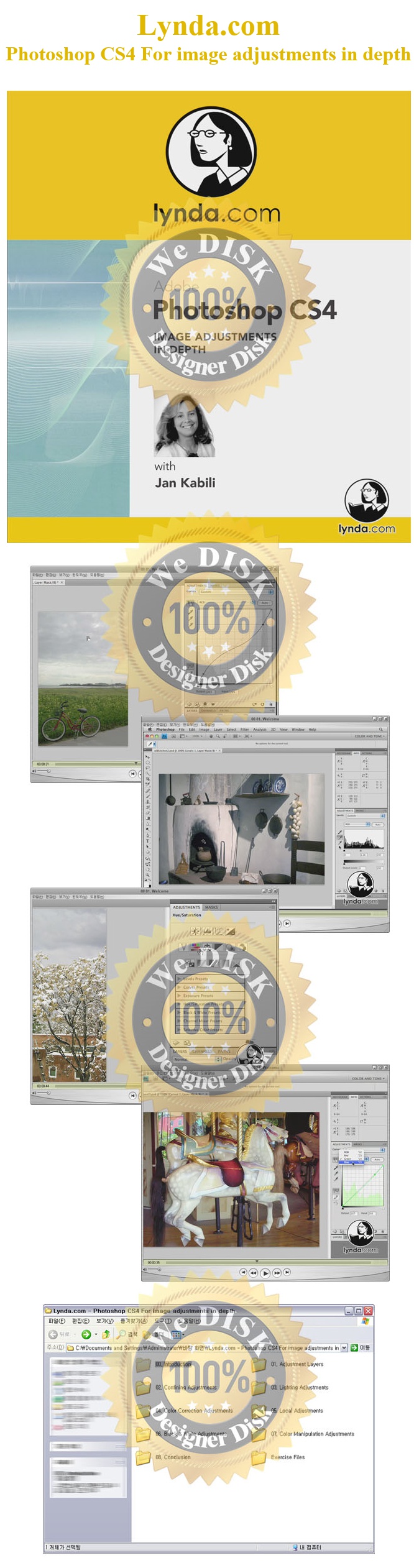
Photoshop CS4 Adjustments in depth - Lynda.com 동영상
강좌
15.06.30 17:40
조회 302
다운 48
재생·다운로드는 로그인 후 이용할 수 있습니다.
로그인 ›
00 01. Welcome.mov
19MB · 동영상
00 02. Using the exercise files.mov
701KB · 동영상
00 03. Setting up a workspace.mov
3.66MB · 동영상
01 01. Creating and editing adjustment layers.mov
6.54MB · 동영상
01 02. Adjustment layers vs. direct adjustments.mov
5.91MB · 동영상
01 03. Using the new Adjustments panel.mov
6.18MB · 동영상
01 04. Reusing adjustment layers.mov
3.15MB · 동영상
02 01. Clipping adjustment layers.mov
4.5MB · 동영상
02 02. Including adjustment layers in a layer group.mov
3.54MB · 동영상
02 03. Including adjustment layers in a Smart Object.mov
9.24MB · 동영상
02 04. Using the adjustment layer mask.mov
7.12MB · 동영상
02 05. Using selections with adjustment layers.mov
6.93MB · 동영상
02 06. Using the Masks panel with adjustment layers.mov
13MB · 동영상
02 07. Using the Blend If sliders with adjustment layers.mov
9.37MB · 동영상
03 01. Reading the Histogram panel.mov
6.82MB · 동영상
03 02. Using the Levels adjustment for tonal corrections.mov
6.93MB · 동영상
03 03. Using the Curves adjustment for exposure.mov
8.99MB · 동영상
03 04. Using the Curves adjustment for contrast.mov
5.71MB · 동영상
03 05. Making On-Click Curves adjustments.mov
3.76MB · 동영상
03 06. Applying Shadow Highlight nondestructively.mov
15MB · 동영상
03 07. Reviewing Brightness Contrast.mov
3.87MB · 동영상
03 08. Dealing with exposure .mov
2.82MB · 동영상
03 09. Using adjustment layers with blend modes.mov
8.33MB · 동영상
04 01. Making Vibrance adjustments.mov
2.36MB · 동영상
04 02. Using Hue Saturation adjustments.mov
8.31MB · 동영상
04 03. Understanding color correction.mov
2.74MB · 동영상
04 04. Using color samplers and the Info panel.mov
4.42MB · 동영상
04 05. Using Levels eyedroppers for color correction.mov
5.9MB · 동영상
04 06. Using Levels channels for color correction.mov
4.9MB · 동영상
04 07. Understanding Curves adjustments for color correction.mov
7.04MB · 동영상
04 08. Making Color Balance adjustments.mov
5.04MB · 동영상
04 09. Making Photo Filter adjustments.mov
3.53MB · 동영상
04 10. Making Variations adjustments.mov
13MB · 동영상
04 11. Using the auto-correction features.mov
8.62MB · 동영상
05 01. Using the Dodge and Burn tools.mov
6MB · 동영상
05 02. Dodging and burning nondestructively.mov
7.16MB · 동영상
05 03. Working with the Red-Eye tool.mov
1.47MB · 동영상
06 01. Applying Black & White adjustments.mov
8.42MB · 동영상
06 02. Making Channel Mixer adjustments.mov
7.42MB · 동영상
06 03. Understanding the Threshold adjustment.mov
2.58MB · 동영상
08 01. Goodbye.mov
534KB · 동영상
Ex_Files_PSCS4_ImageAdj.zip
49MB
 모바일
모바일